Every ad opens in a real editor.
Swap the reaction, rewrite the hook, add captions, a voiceover and music. Edits save as you go, and the export matches the preview.
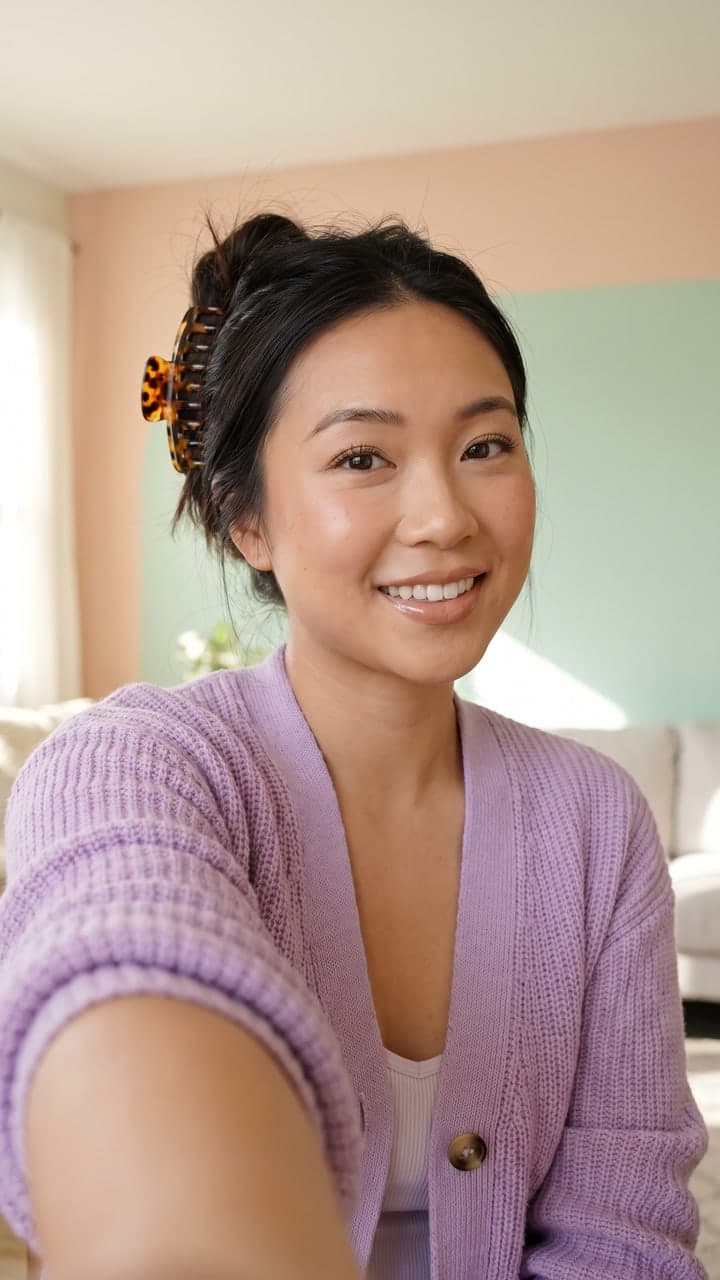
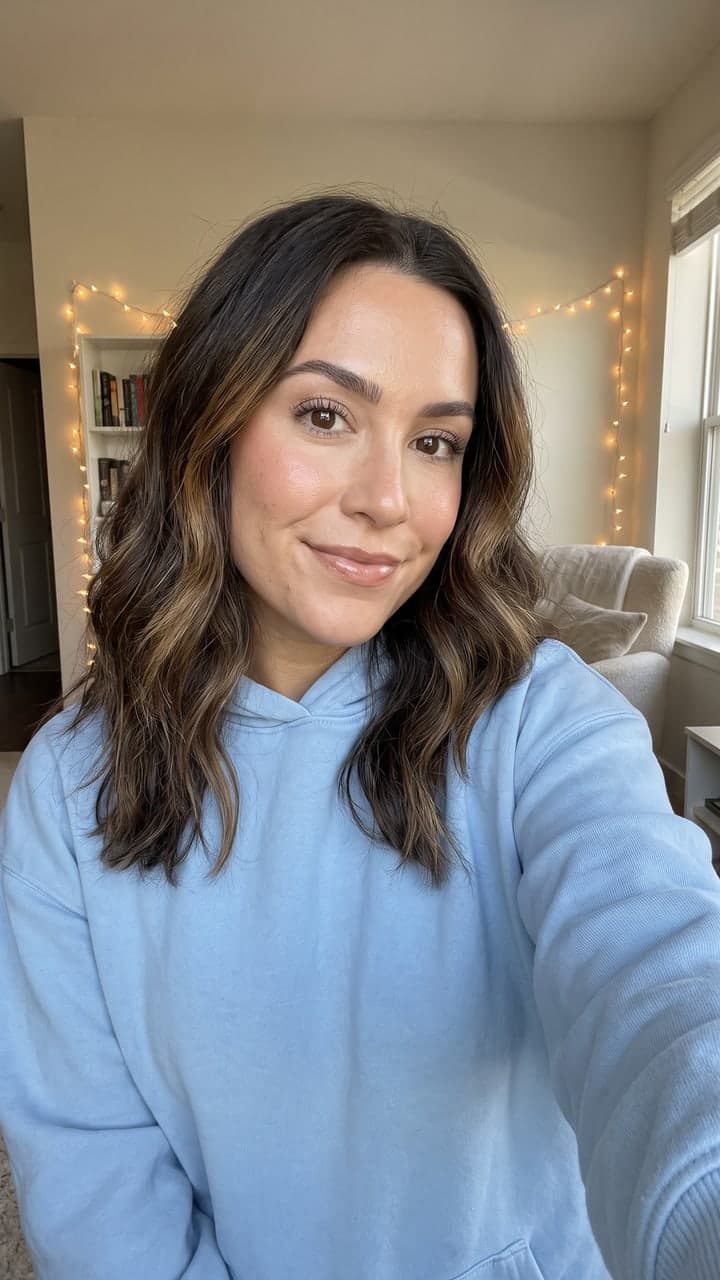
Start creatingStart from a reaction. Every ad opens as a draft: your hook on a reaction, then your demo and an end card.

- TimelineSplit, trim and reorder on a magnetic track.
- Text and captionsText styles, stickers and word-by-word captions.
- VoiceoverPick from six natural voices, with captions synced to the words.
- Music and effectsOriginal tracks and sound effects, with music ducked under the voice.
- LayoutsCut, picture-in-picture or split, in one click.
- Every sizeOne edit exports 9:16, 4:5, 1:1 and 16:9.
One edit, every size.
Make the ad once and export it for every placement you run. Each file records that it was made with AI, and you can add a visible AI-generated label.
- One sentence in. A balanced week out.9:16TikTok, Reels, Shorts
- One sentence in. A balanced week out.4:5Meta feed
- One sentence in. A balanced week out.1:1Feeds
- One sentence in. A balanced week out.16:9YouTube
- Caption stylesKaraoke, Bold, Pop, Clean, Box
- MusicSunday lo-fi, Bright pop, Soft keys
- Sound effectsWhoosh, Pop, Ding, Tap, Riser
- Brand kitYour colours, font and end card, set once
Questions, answered.
What the editor does, and what it costs.
Is the editor free?
Yes. Editing and previewing never cost credits. A clean export of a reaction ad costs one, and talking heads and scenes export clean at no extra cost.
Which sizes can I export?
9:16 for TikTok, Reels and Shorts, 4:5 for the Meta feed, 1:1 for feeds and 16:9 for YouTube, all from one edit.
How does the voiceover work?
Write or edit the script, pick one of six voices, and the voiceover is made with captions timed to every word. Music dips under it on its own.
Does the export match the preview?
Yes. The editor plays the same timeline the export is drawn from, so what you see is what you download.
Can I use my own clips?
Yes. Upload screen recordings and video clips, and use them as your demo or over it in picture-in-picture.

Your next ad starts here.
Pick a reaction, add your demo, export every size. Free to make, edit and preview.
Start creating